
Top 5 Tips to Outsource WordPress Development Project

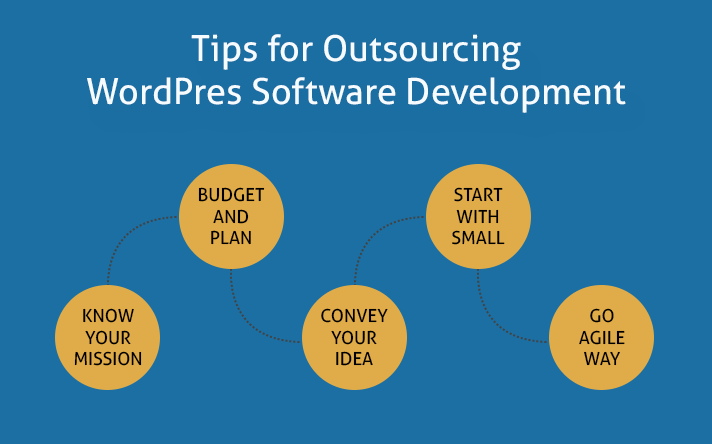
Outsourcing a WordPress development project can be a smart business move—especially when you want to focus on strategy, design, or core operations while leaving technical execution to experts.
However, outsourcing also comes with risks. Choosing the wrong developer or failing to communicate clearly can result in delays, poor code quality, and wasted budget.
To help you maximize ROI and avoid common pitfalls, here are the top tips to outsource WordPress development successfully.
1. Clearly Share Your Business Mission
Before assigning any tasks, make sure your business mission and project goals are clearly communicated to the WordPress development team.
Developers should understand:
- Why your business exists
- What problem your website is solving
- Who your target audience is
When developers are aligned with your mission, they can make better decisions—especially when unexpected technical choices arise.
A well-informed development team will naturally ask: “Which solution best supports the business goal?”
That’s exactly the mindset you want guiding your codebase.
2. Write a Crystal-Clear Job Description
A detailed and well-structured job description is essential when outsourcing WordPress development.
Make sure your project brief includes:
- Clear objectives and expected outcomes
- Functional and usability requirements
- Scope of work (pages, features, integrations)
- Budget range
- Project deadline and milestones
Focus on What, Not How
Avoid specifying technical tools or technologies unless absolutely necessary. One of the benefits of outsourcing is leveraging the developer’s expertise—let them recommend the best technical approach.
Also, keep the documentation focused. Avoid unnecessary internal details, unrelated business challenges, or budget pressures. The clearer the brief, the smoother the development process.
3. Communicate Effectively and Consistently
Effective communication is a two-way process and one of the most critical factors in outsourcing success.
Best practices include:
- Responding promptly to developer questions
- Using a single communication channel (Slack, email, project tools)
- Scheduling regular check-ins or progress updates
Delays in communication often lead to missed deadlines. Even a short clarification can prevent hours of rework later.
4. Start Small Before Scaling Up
If you’re new to outsourcing WordPress development, it’s best to start with a small task or feature.
For example:
- A minor layout change
- A plugin customization
- A landing page build
After completion, evaluate the developer or agency based on:
- Adherence to requirements
- Code quality
- Timeliness
- Communication responsiveness
- Overall professionalism
If the experience is positive, you can confidently move forward with a larger project.
5. Break the Project Into Manageable Tasks
Large WordPress projects can quickly become overwhelming if handled as a single unit. Instead, divide the project into smaller, well-defined tasks or milestones.
Benefits of task chunking:
- Easier progress tracking
- Better quality control
- Faster issue detection
- Reduced risk of major rework
This approach also acts as a quality assurance checklist, making it easier to verify that each requirement has been met before final delivery.
Final Thoughts
Outsourcing a WordPress development project can save time, reduce costs, and give you access to specialized expertise—if done correctly. By clearly defining your mission, setting expectations, communicating effectively, starting small, and breaking tasks into manageable pieces, you significantly increase your chances of success.
When approached strategically, outsourcing isn’t just a cost-saving tactic—it’s a growth enabler.
Disclaimer: This post may include affiliate links. If you click one of them, we may receive a small commission at no extra cost to you. Thank you for your support.